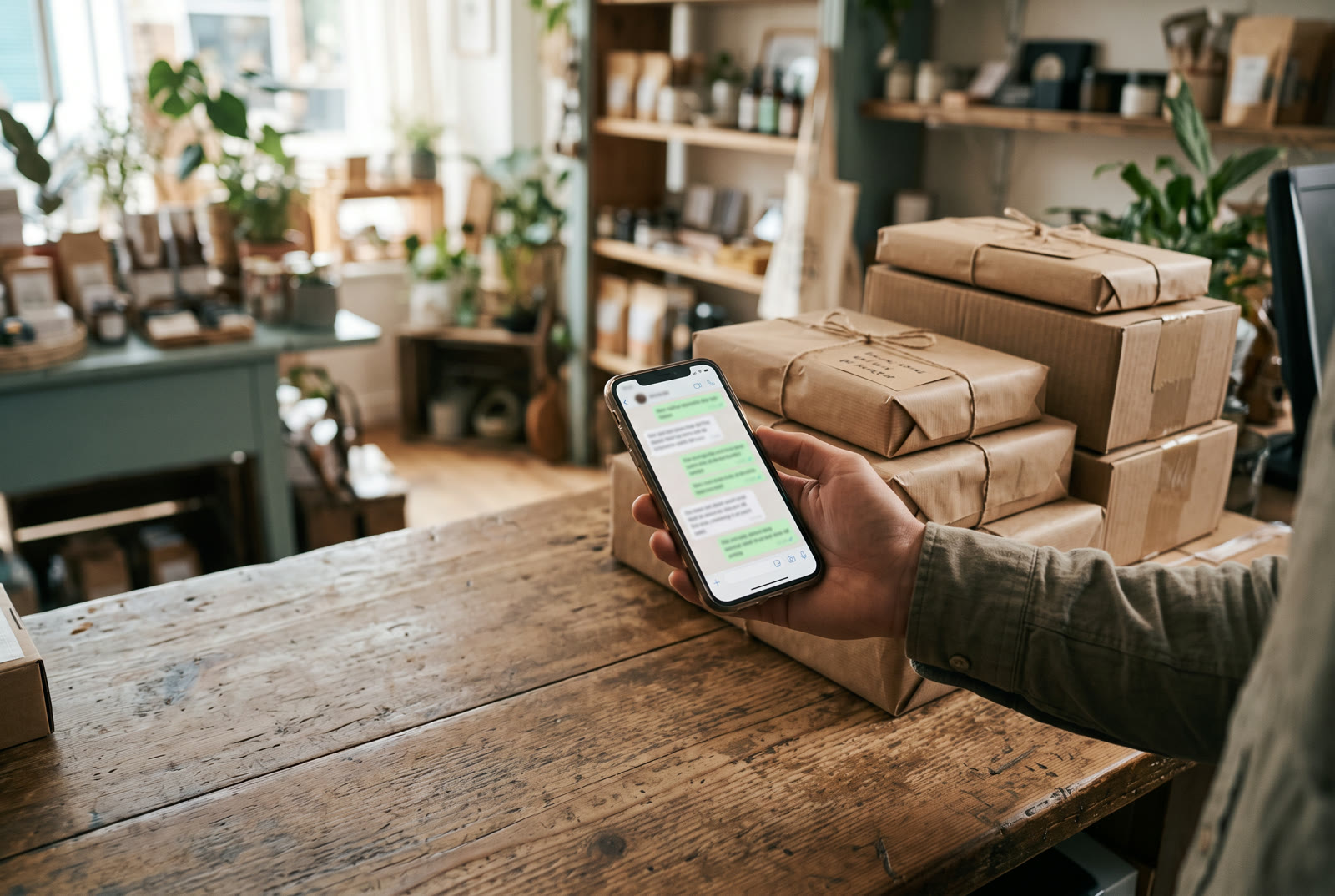
WhatsApp is where a lot of customers now want to talk to a store, especially in India, the Gulf, Southern Europe and the UK. It is faster than email and more personal than a help desk, and that is exactly why it goes wrong at around fifty conversations a week: the person answering is working from the chat alone, and the chat does not know anything about the order.
The 24-hour window
WhatsApp Business lets you reply freely to a customer for 24 hours after their last message. After that, you can only send pre-approved template messages, which are stiff and cost money. In practice this means a message that sits unanswered overnight has often lost its window by the time someone opens it, and the easy, human reply is no longer possible.
So the first rule is boring but decisive: every customer message gets a real reply within the window, ideally within the hour during working time. A short honest "looking into it now, back to you by 3pm" keeps the window alive and is better than a perfect answer tomorrow.
The reply has to know the order
The second failure is a reply that is fast but blind. "Hi, let me check and get back to you" is what people write when they cannot see the order. The customer wanted to know where their trainers are, and the answer was in three other systems: the order in Shopify, the pick status in the warehouse, the last carrier scan.
Before anyone replies, these four facts should be on the screen next to the chat:
- The order: number, what was bought, what was paid, when.
- Fulfilment: picked, packed, handed to the carrier, and when.
- The carrier's last scan. If there has been no scan for two days, that is the problem, and the reply should say so.
- Anything else affected: thirteen other orders on the same van means a carrier exception, not a lost parcel.
With those four facts, the reply writes itself: "Your trainers were picked on Wednesday and handed to the courier. Their van has had no scan since Friday evening, so I have chased them this morning. If nothing moves by 2pm I will send a second pair next-day at no cost. I will message you either way by 3pm." That is a reply that keeps a customer. It takes thirty seconds when the facts are in front of you and ten minutes when they are not.
Tone, decided once
Stores waste a lot of energy re-deciding tone in every message. Decide it once per brand: warm, straight or brief. Write down three phrases you always use and three you never use. Everyone replying, human or otherwise, follows that sheet. Customers notice consistency more than they notice charm.
Draft, then send, until you trust it
If you use anything automated to write replies, start with it drafting and a person tapping send. Keep it that way until the drafts stop needing edits, which usually takes a few weeks of corrections. Only then let it send the routine ones on its own (order status, delivery estimates) and keep the judgement calls (refunds, complaints, anything with money attached) on a person.
This is how PixL handles it: it reads the order, the stock and the carrier before it writes a word, it writes in the tone you set, and it waits for your tap until you tell it not to. But the rules above are the point, and they apply whether the reply comes from a tool, a teammate or you at 11pm.